Documentation Index
Fetch the complete documentation index at: https://docs.keystn.com/llms.txt
Use this file to discover all available pages before exploring further.
Go to Administration > Company Settings in the sidebar.
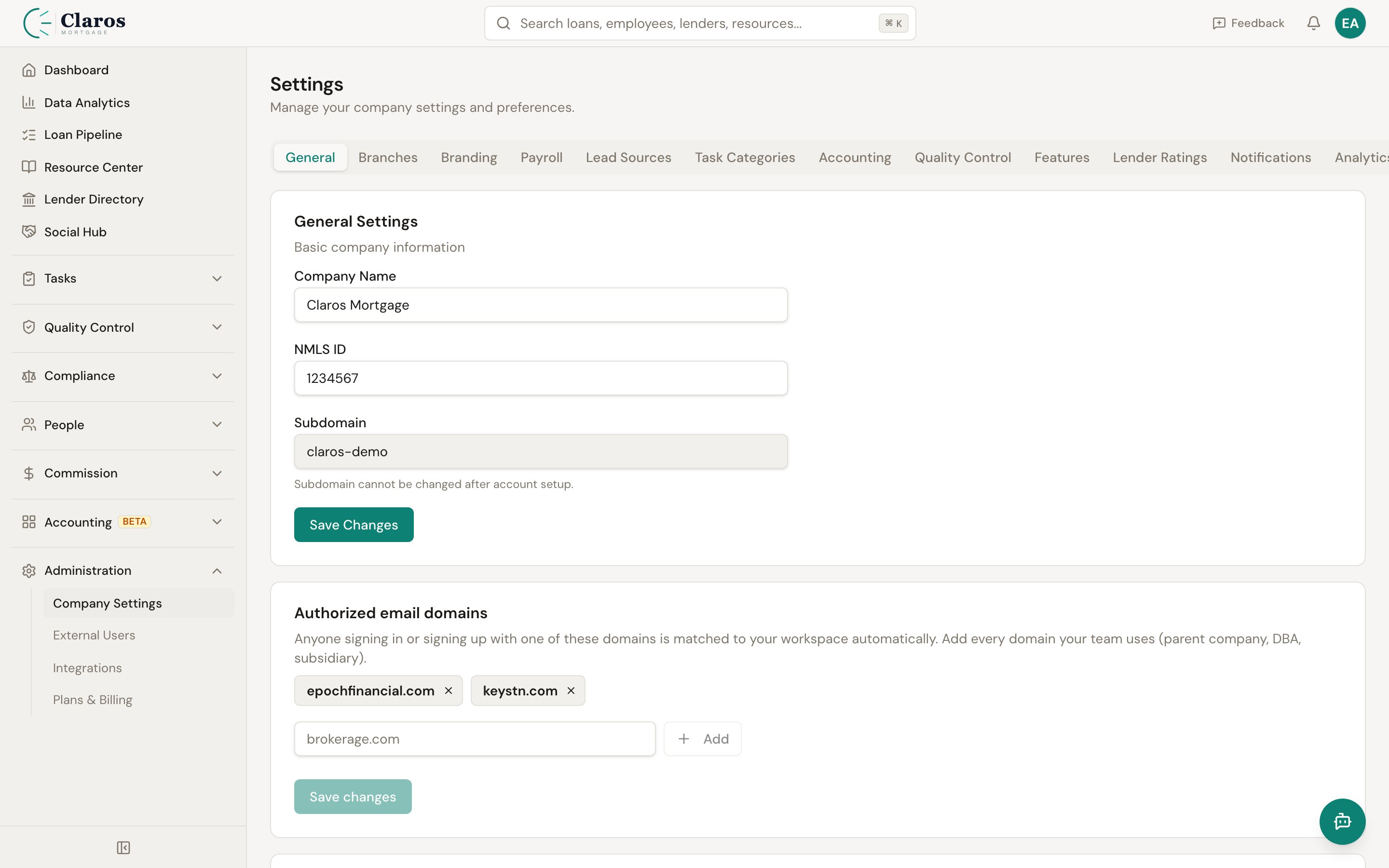
Company name
The company name appears throughout Keystone — in headers, reports, and exported documents. Update the Company Name field and click Save Changes.
NMLS number
Your company-level NMLS (Nationwide Multistate Licensing System) number. This is separate from individual employee NMLS numbers. Enter it in the NMLS field and click Save Changes.
Loan Origination System (LOS)
Keystone integrates with several popular Loan Origination Systems. Selecting your LOS helps the platform tailor import behavior and field mappings when you upload loan data.
Supported systems
| LOS | Description |
|---|
| Arive | Arive by Fiserv |
| LendingPad | LendingPad cloud-based LOS |
| Encompass | ICE Mortgage Technology Encompass |
| BytePro | Byte Software BytePro Enterprise |
| Other | Any LOS not listed above |
Payroll settings
Payroll settings control how Keystone calculates pay periods, commission schedules, and draws for your employees.
Commission schedule
The commission schedule determines the date ranges used when grouping funded loans into pay periods for commission calculation.
| Setting | Options | Description |
|---|
| Commission Period Type | Weekly, Biweekly, SemiMonthly, Monthly | How frequently commissions are calculated |
| Commission Period Day | 0—6 (Sun—Sat) | For Weekly/Biweekly, the day of the week the period starts |
| Semi-Monthly Type | FirstAndFifteenth, FifteenthAndLast, Custom | Which days of the month to split on |
| Monthly Type | First, Last, Custom | Whether the period starts on the 1st, last day, or a custom day |
| Custom Period Start / End | 1—31 | Specific day-of-month boundaries for custom schedules |
Payroll / draw schedule
The payroll schedule can differ from the commission schedule. For example, commissions may be calculated monthly while draws are paid biweekly.
| Setting | Options | Description |
|---|
| Pay Period Type | Weekly, Biweekly, SemiMonthly, Monthly | How frequently draws/payroll are processed |
| Payroll Period Day | 0—6 (Sun—Sat) | Day of the week for Weekly/Biweekly payroll |
| Payroll Semi-Monthly Type | FirstAndFifteenth, FifteenthAndLast, Custom | Semi-monthly split dates for payroll |
| Payroll Monthly Type | First, Last, Custom | Monthly payroll start day |
Draw settings
| Setting | Description |
|---|
| Draw Calculation Type | Default draw type for new employees: None, Hourly, or Flat Amount |
| Draw Balances Enabled | Whether to track cumulative draw balances that carry over between periods |
| Daily Payroll Enabled | Enable daily payroll mode |
| Paycheck Date Offset | Number of days between the end of a period and the actual paycheck date (0—31) |
Related pages
- Branches — branches are organizational units within the company
- Employees — individual employee draw settings can override company defaults
- Lead Sources — also managed under Company Settings

